
Simplifying Your Digital Life with MXCode Solutions
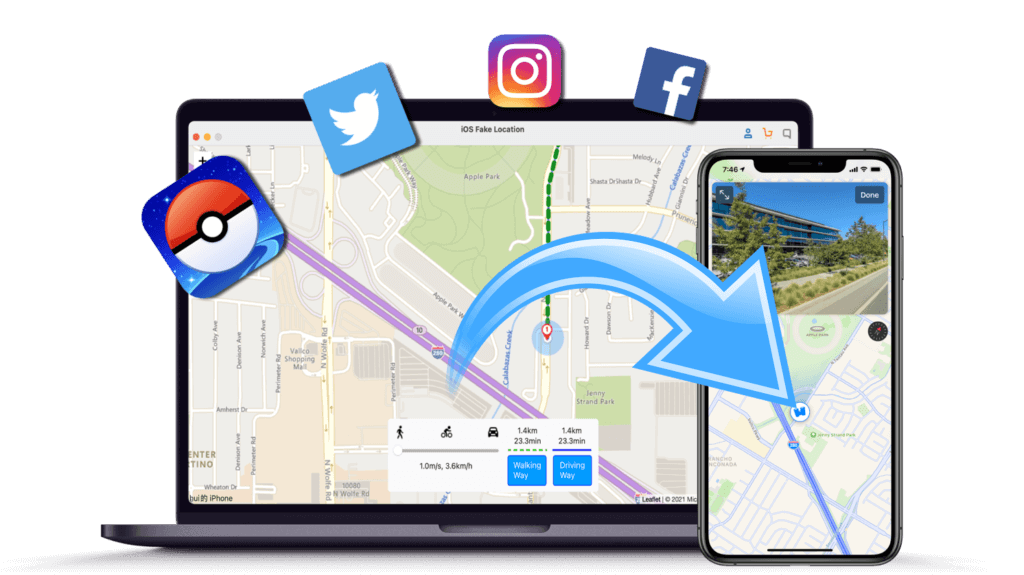
MXCode FakeLoc Location Changer
(iOS & Android )
- One click GPS change, change GPS location to anywhere in the world.
- Simulate GPS movement, customized speed.
- Plan a route on the map to move along with customized speed.
- Compatible with All Android & iOS Devices.
- Work with location-based apps such as AR games, social platforms, etc.
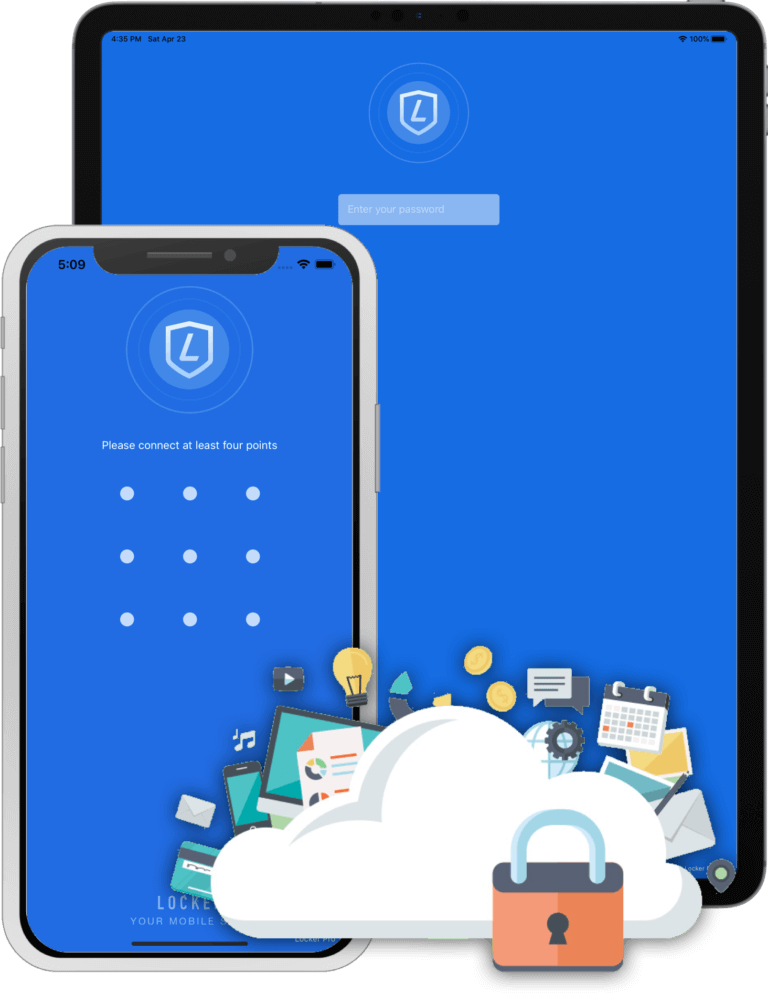
MXCode Locker
(iOS Password Manager)
- Support import and export, easy to manage your passwords.
- Support gesture and fingerprint, login faster.
- Customize color and icon for the record.
- High-strength encryption to ensure your data is safe.
- Support text, voice, hand drawing, and photo.
- Powerful association features, allowing you to quickly enter data.
- Support for iCloud backup and iCloud restore.
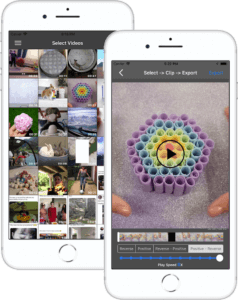
MXCode Video Editor
(Reverse, Clip)
- Reverse a video easily, Load it, reverse it, play it, share it.
- Clip videos, free to choose the video clips you want to export.
- Selectable video playback mode
- Change video speed, support multiple speed options from 1/8x to 8x.
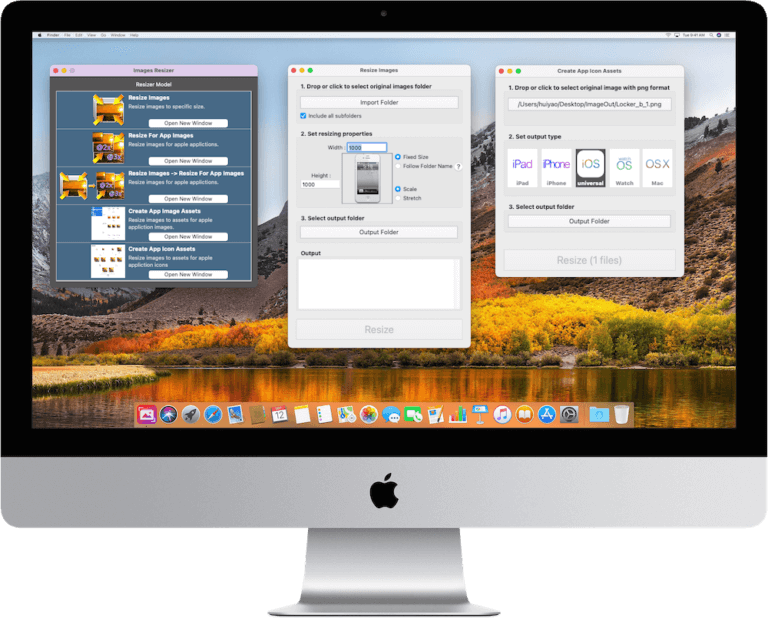
MXCode Image Resizer
(App Icon, Image Asset Creator)
- Support iPhone, iPad, iPad Pro, Mac, Apple Watch and Apple TV.
- Support resize to custom size for batch.
- Support PNG, JPG, JPEG, BMP, TIFF
- Support file folder format.
- Support Image Assets.
- Support Icon Asset.
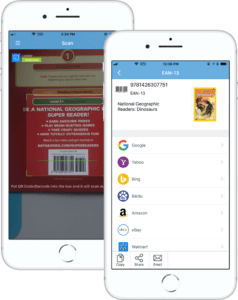
MXCode QR Code Reader Creator
(QR Code, Barcode)
- More than 20 types of QR code and barcode supported
- Powerful product query and retrieval function
- Create Barcode, QR code, DataMatrix, …
Voices from Our Users

A Manager
I want to teleport to other regions to find my best match on tinder, and this tool helped me. better alternative to its own tinder plus feature. the only issue is that you've to use it with a computer.

A IT Professor
I heard lots of robbery on AR game players at night. I don't wanne be one of them, and I selected this tool, which allows me play the game without leaving my house.
Why Choose MXCode
Money Back Guarantee
15-Day Money Back Guarantee
Safety
100% secure to download and install all software.
Support
Premium lifetime customer service.
Experienced Team
40+ R&D engineers to ensure flawless products.
Easy to use
Beginner-friendly, no tech required.
Free Update
Lifetime update is provided once purchased.
4M+
Downloads in the past year
4.5
Trust Score
2K+
Reviews
1M+
Satisfied customers globally
2.8K+
Positive media testimonials
 English