The post How to do Fake GPS on a Samsung Device appeared first on MXCode.
]]>
Find my Samsung device
To know your current location you can always use Find my Samsung device. It’s a feature using which you ca n find the current location of your phone. It is usually used when you are trying to find the location of a lost phone.
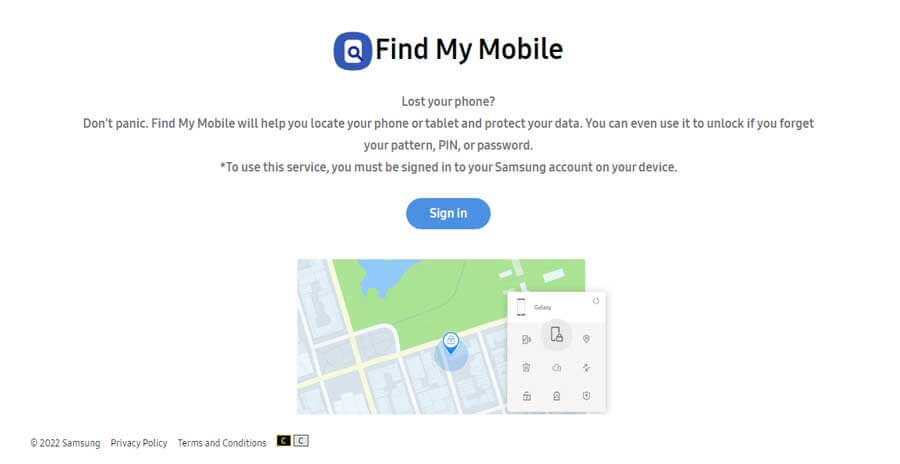
Now, when you are faking your location, you will have to ensure that you know about the issue with the Find Samsung phone location feature. Let’s talk a bit more about it.
Issues with finding Samsung phone location
When you change or fake the location of your GPS, you won’t be able to use the find Samsung phone location feature that is used in case of your phone is lost. The find my Samsung phone with Google uses GPS location to track and find your device. As you have changed your location, you won’t be able to find the current location.
Why do you need to fake the location?
People usually change the location for Gaming, Dating apps on Samsung devices. If you’re playing a game, you might want to change the location. For instance, there is a very popular game called Pokemon Go. The game uses AR to find the Pokemon. So, depending on your location, you will find more or less several pokemon.

If you want to crack the code, you can fake the location. Once you have the fake location, it will show more Pokemons to you. In this way, you can find the best creatures.
There are many dating apps that you might be using. The dating apps use location to find nearby dates of the opposite or same sex. You can always use the location-changing feature here. The location change will allow you to shift to someplace else.

In this way, you can always find the right date. Similarly, there are many other reasons why you might want to change your location and set it to a fake one for a while.
Now that you know why you might want to change the location, we will now see how you can do that.
How to change the location for Gaming, Dating apps on Samsung devices?
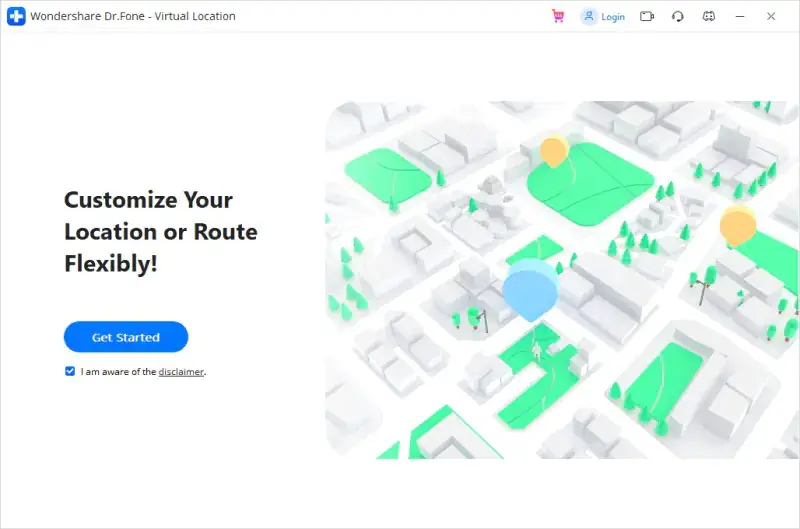
To change the location for Gaming, Dating apps on Samsung devices, you will have to use an app that allows you to change the location. Now, there are many apps you can use to change it.
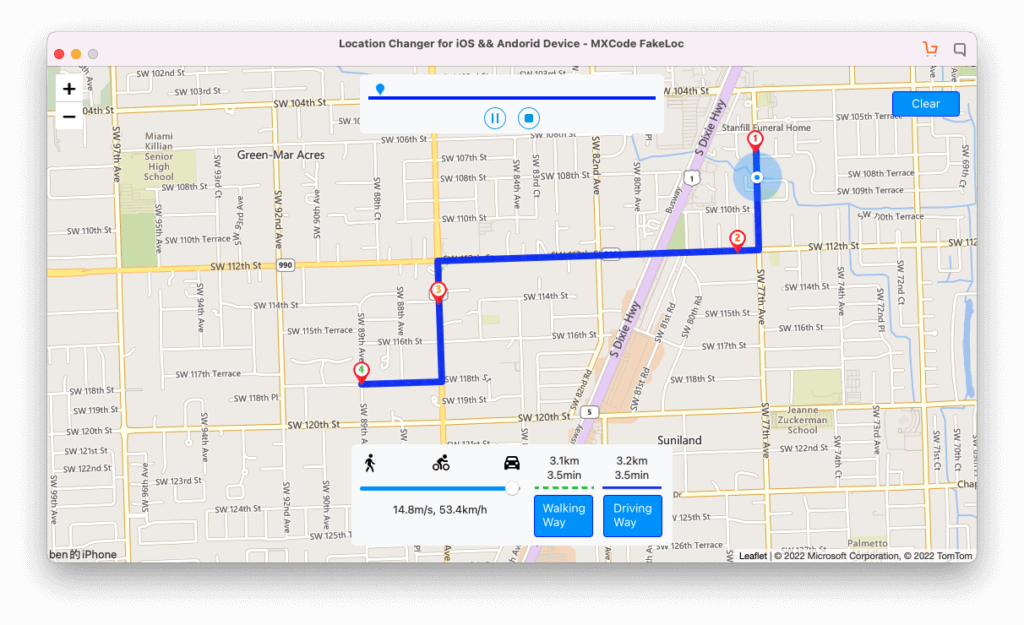
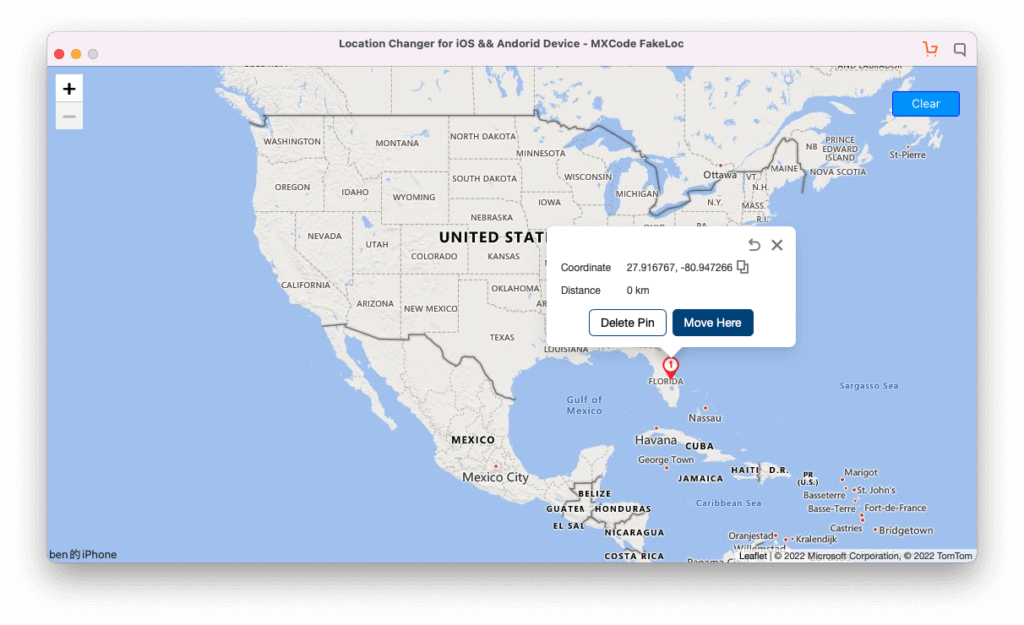
These are GPS location-changing apps that allow you to do things. You can always use these apps for the same purpose. The best app you can use is MXCode’s FakeLoc app. The app allows you to change the location using the map coordinates.
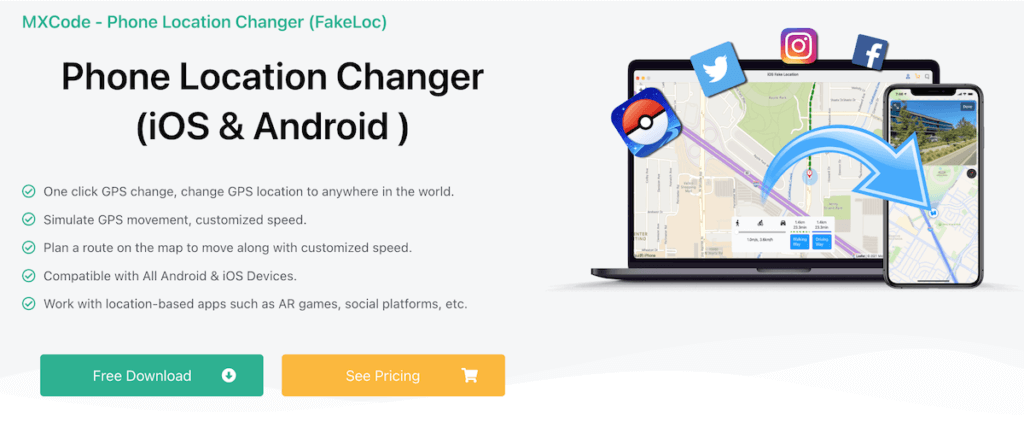
The app is fully safe ad secure. So, you can use the app for safety as well. There are many features you will get here in this app.
Steps to change the location
We will now see the exact steps you can follow to change the location.
Step 1: Download FakeLoc
The steps str twit the download. You can simply download and install the FakeLoc app from the MXCode’s website. All you have to do is head over to the official website and click on the FakeLoc page.
You will see the download link there. You can simply click on the download button and install it.
There are two main options. You can either install it on your PC or you can do it on your Mac.
Step 2: Connect your Samsung Phone
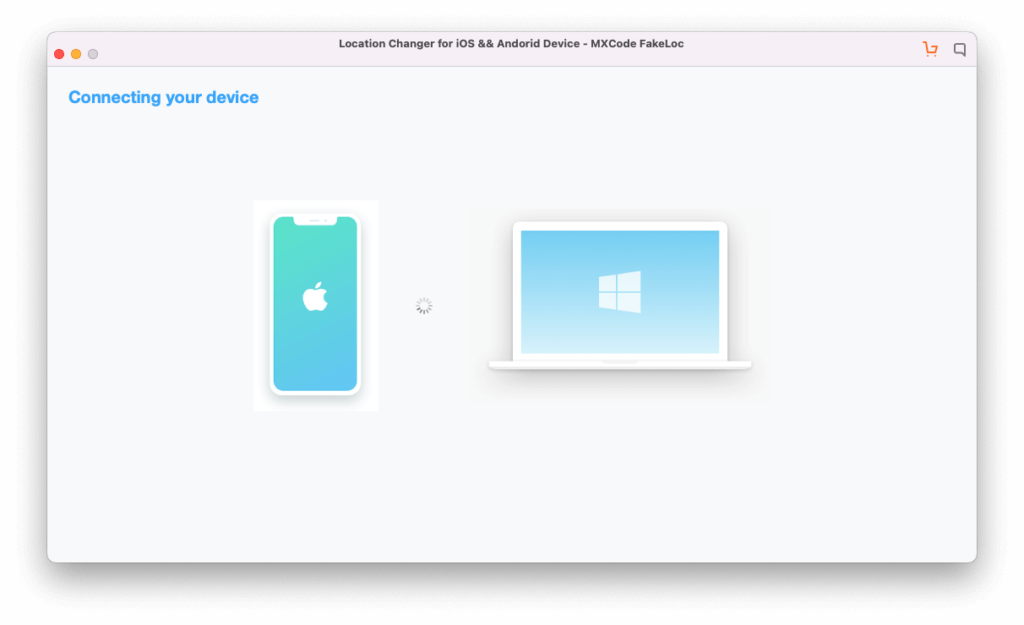
The next step is to connect your Samsung phone. You can simply connect your phone to the PC.
Now, open your software and select Android from the FakeLoc app. There will be two main options. If you want to change the location of your iPhone, you can select the iPhone option. However, as we change the location of an android device, we will use the android button.
It will then show you a quick tutorial on how you can connect the device.
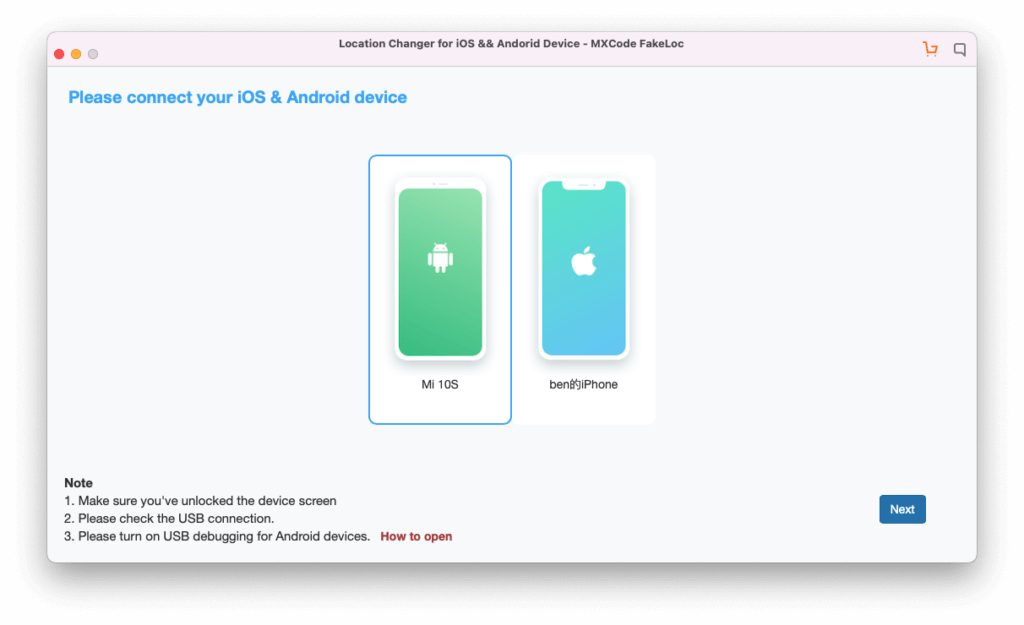
Step 3: Set the Fake Location
Now that you have connected the device, you just need to set the fake location. You can change the location for Gaming, Dating apps on Samsung devices with the app.
There are three options to choose the location.
- You can use the coordinates to set the location.
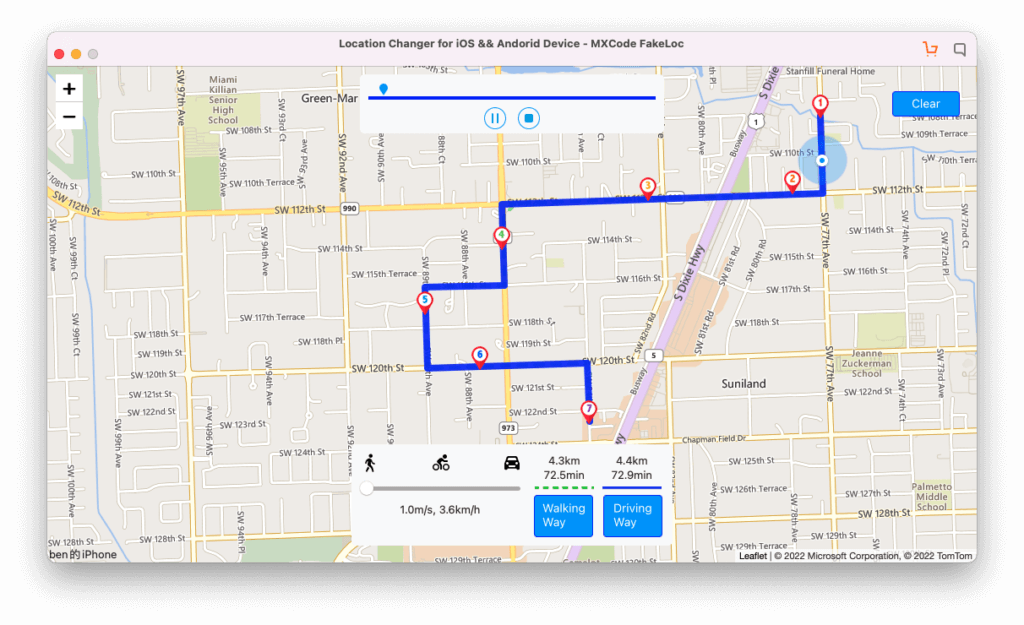
- You can pick it up from the map.
- If you already have set the location previously, you can also use the history to set the location.
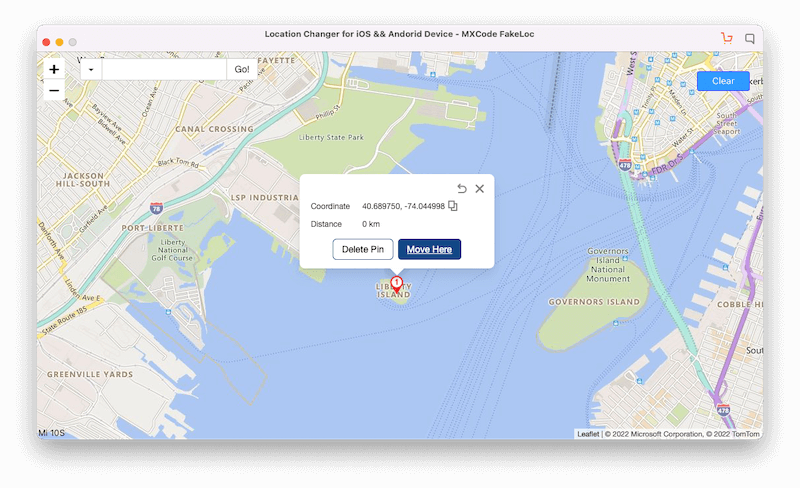
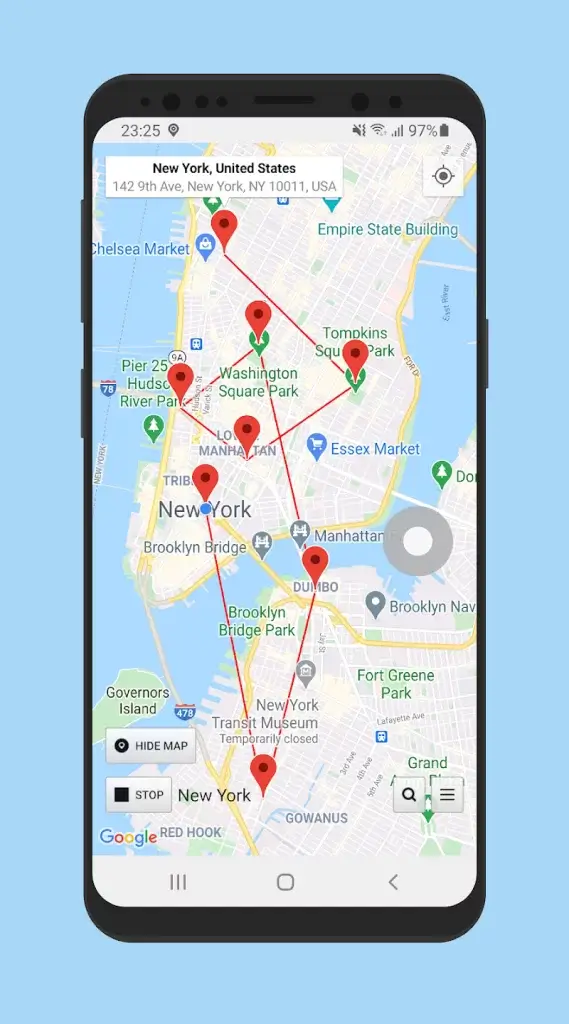
Once you set the location, you can also use different other features to explore it a bit more. They have features that allow you to set the location using different modes. These modes will help you set a moving location.
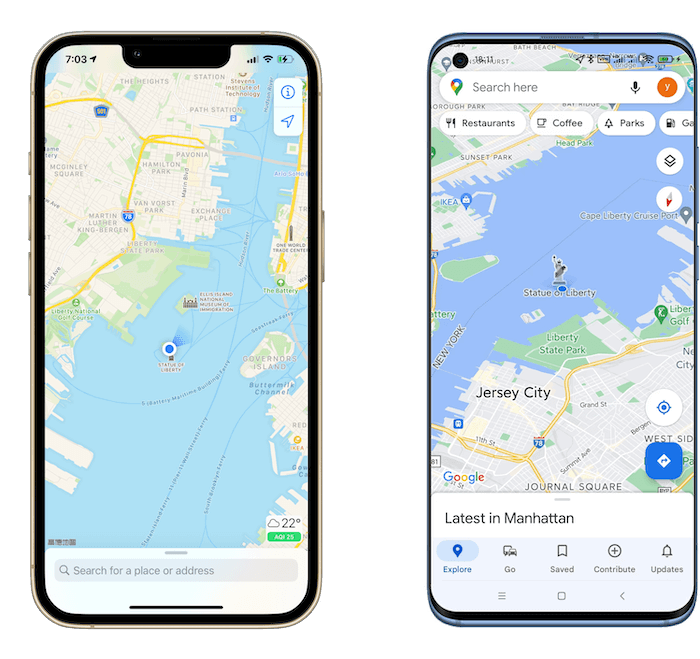
So, the location services on Samsung devices will show that your Samsung device is moving from point A to point B. So, you can always use that. Please note that it will also change the location of Samsung where’s my phone. As a result, you won’t be able to use that feature as long as are in the fake location.
Final Words
To conclude, that’s how you can change the location for Gaming, Dating apps on Samsung devices. So, what are you waiting for? You can download the FakeLoc app today and get started with the location-changing services. These are the services that will allow you to fake location on any app; The app is compatible with all third-party apps. So, no matter where you want your location to be changed, it will show you the fake location.
You can have a look at the complete features on the official page of FakeLoc from the MXCode’s website. The download link is also available on the same page.
The post How to do Fake GPS on a Samsung Device appeared first on MXCode.
]]>